
Change Password
Quick Link
- TWC Change Password System – Change Password
- Please read the policies and guidelines in ITSO website
FAQ
- How to change password? (Email / PowerCampus / Blackboard / Workstation)
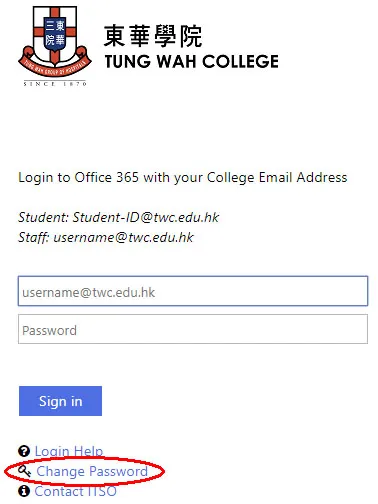
- Please visit TWC Web Mail homepage to change your password.
- Your password must be at least 8 characters long and should include numbers, upper-case and lower-case letters, and at least one special character (like !, @, #, %, $, &, or _).
- If you have password saved in your mobile devices, please remember to forget the cached history in TWC_Wifi and then reconnect with your latest credential after password changing. How to forget saved password in TWC_Wifi after changing login credential? (Please visit Wi-Fi - FAQ)
- If you lost or forgot your password, please contact ITSO for assistance.
Reference
Password Length vs Recovery Speeds
(most of common password combinations are less than a year vs recovery speeds)Length Samples:
1~0Samples:
A~Z /
a~zSamples:
A~Z /
a~z mix
1~0Samples:
A~Z mix
a~zSamples:
A~Z mix
a~z mix
1~08 Instant Instant 8 mins 6 hrs 54 mins 9 Instant Instant 1 hrs 6 days 8 hrs 10 2 mins 4 mins 13 hrs 3 mth 3 days
Test your password:
How strong is your password?